Image Formats
WebP and AVIF: compare outputs and keep a fallback
Measured files, reproducible settings and the actual boundaries of the browser tools.
Do not choose AVIF from a generic savings percentage. Check the bytes saved on your images, whether the output keeps the details you need and whether the destinations can open it. Multiple variants also cost storage, generation and testing.
A comparison with downloadable files
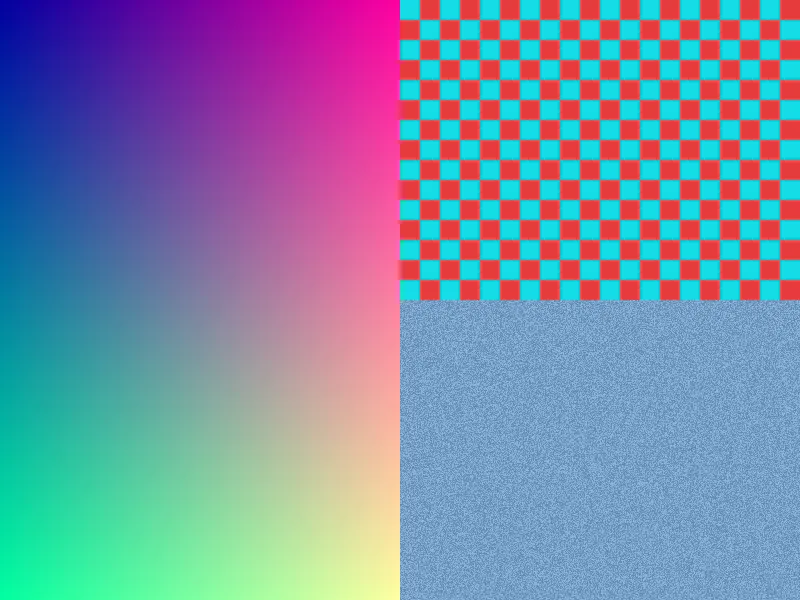
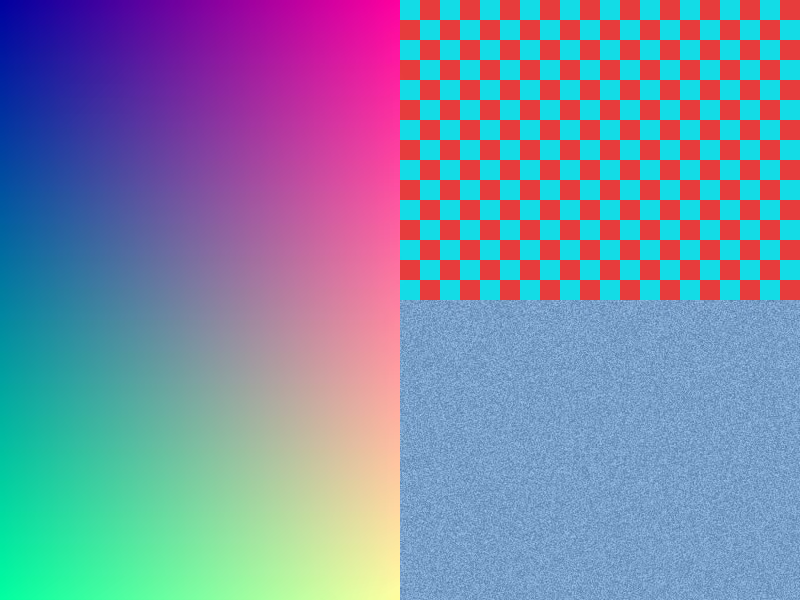
Our format example includes the source, generator and five outputs. For that 800 × 600 chart, WebP quality 80 is 40808 bytes and AVIF quality 50 is 17608 bytes. These are different settings, not an equal-perceptual-quality comparison. The noise region and edges help reveal changes.
Download WebP, AVIF and the full parameters. Repeat with your own images before adopting a recipe. We have not measured comparable encoding times and do not promise seconds per megapixel.
Delivery with a fallback
picture lets the browser select the first supported format in the list; it does not compare quality or file length automatically. This example uses the actual files above:
<picture>
  <source type="image/avif" srcset="/examples/formats/sample-q50.avif">
  <source type="image/webp" srcset="/examples/formats/sample-q80.webp">
  <img src="/examples/formats/sample-q80.jpg"
       alt="Synthetic gradient, edges and noise" width="800" height="600">
</picture>
Check the selected format in the browser Network panel, then test the intended devices and receiving apps. Global support percentages do not necessarily describe your visitors; MDN’s image format guide links compatibility data.
What OpenImages does
JPG to WebP and PNG to WebP export WebP in the browser. AVIF to PNG helps convert an AVIF input for other apps, subject to browser decoding support. Those tools are not an AVIF encoder: this example’s AVIF was generated with the downloadable Sharp script.
For frequently changing images, measure the complete conversion process on your hardware as well. For stable images, weigh the observed saving against maintaining extra variants. A quality setting of 100 does not itself imply lossless mode; select that mode explicitly when your encoder supports it.
Related tools
Frequently asked questions
Are quality scales equivalent?
No. An 80 in two encoders does not establish equal visual quality. Inspect the output.